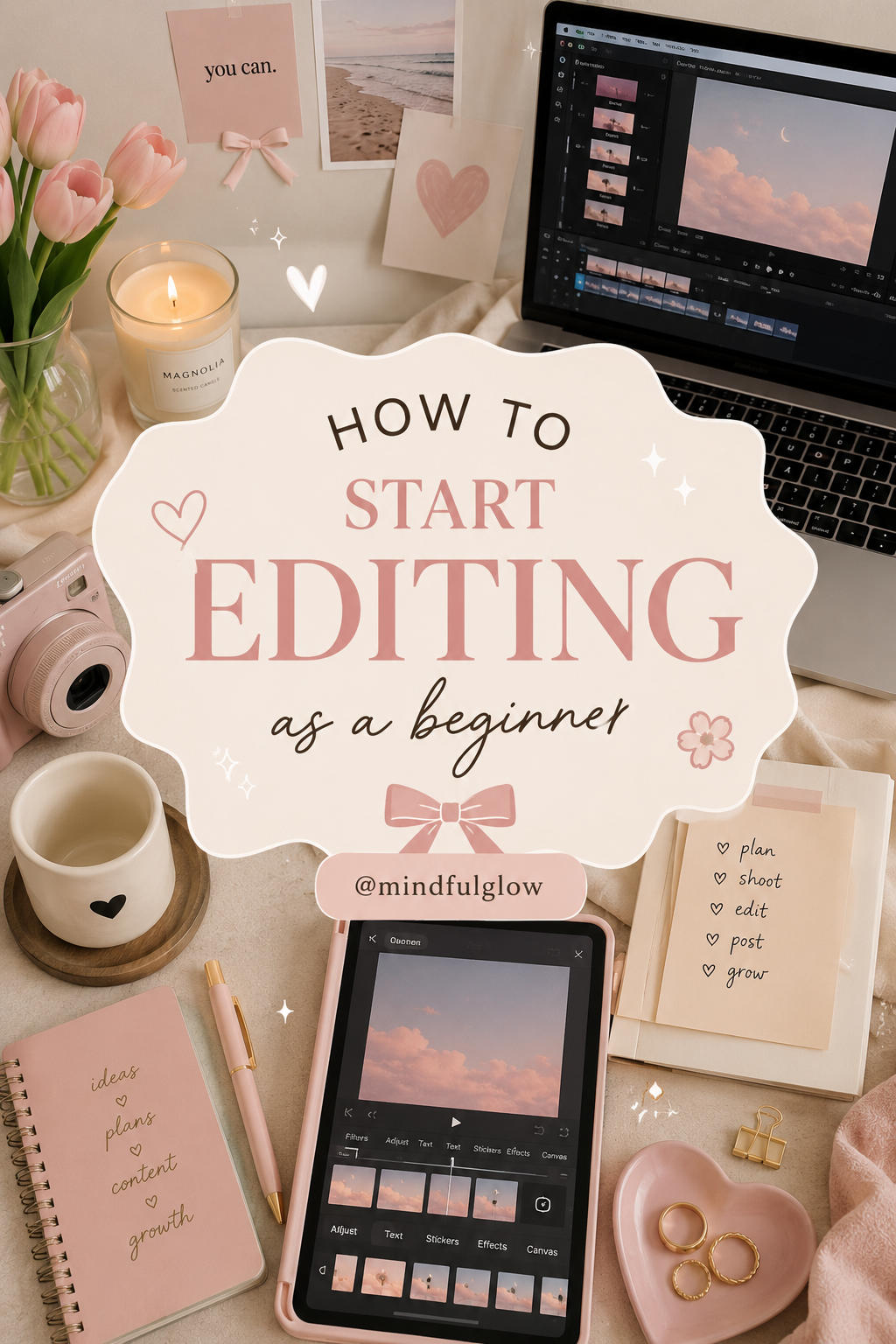
If you’ve ever watched a beautiful video on Pinterest, Instagram, TikTok, or YouTube and thought, “I wish I could edit like that,” you’re not alone.
The good news? You don’t need expensive equipment or years of experience to get started. Every great editor was once a beginner.
Here’s a simple guide to help you start your editing journey with confidence.
Step 1: Choose One Editing App
Many beginners make the mistake of downloading five different apps at once.
Instead, choose one app and learn it well.
Popular beginner-friendly options include:
- CapCut
- Canva
- VN Editor
- Adobe Express
- iMovie
Start simple before moving to advanced software.
Step 2: Learn Basic Cuts First
You don’t need fancy effects.
Focus on:
- Cutting clips
- Trimming footage
- Rearranging scenes
- Adjusting timing
Great editing is more about storytelling than transitions.
Step 3: Use Good Lighting
Even the best editing can’t fully fix poor lighting.
Natural window light is often enough to make your videos look significantly better.
Creator Essentials
- Ring light
- Tripod
- Phone stand
- Soft lighting
Step 4: Create a Consistent Aesthetic
Choose colors, fonts, and editing styles that match your personal brand.
Ask yourself:
- Do I like bright and airy videos?
- Soft and feminine edits?
- Minimal and clean visuals?
Consistency helps your content look more professional.
Step 5: Learn Simple Color Adjustments
Color grading sounds intimidating, but basic adjustments can make a huge difference.
Start with:
- Brightness
- Contrast
- Saturation
- Warmth
Small changes often look better than dramatic ones.
Step 6: Add Music Carefully
Music creates emotion.
Choose audio that matches the mood of your content:
- Relaxing
- Motivational
- Cozy
- Inspiring
The right soundtrack can completely transform a video.
Step 7: Study Creators You Admire
One of the fastest ways to improve is by observing others.
Pay attention to:
- Transitions
- Text placement
- Camera angles
- Color choices
- Video pacing
Don’t copy—learn.
Step 8: Practice Every Week
Editing is a skill.
The more you edit, the better you’ll become.
Even 10–15 minutes a day can make a noticeable difference over time.
Step 9: Organize Your Files
Create folders for:
- Videos
- Photos
- Music
- Graphics
- Finished projects
Good organization saves hours of frustration later.
Step 10: Don’t Wait for Perfect Equipment
Many successful creators started with:
- A smartphone
- Free editing software
- Natural lighting
Your creativity matters more than your gear.
Beginner Creator Essentials
If you’re serious about content creation, these tools can make editing easier:
✔ Laptop or tablet
✔ Smartphone tripod
✔ Ring light
✔ Wireless headphones
✔ External storage drive
✔ Notebook for ideas
✔ Content planner
✔ Editing software subscription
✔ Portable SSD
✔ Phone stand
You don’t need to be an expert to start editing.
You simply need to start.
Your first edit won’t be perfect. Your tenth edit won’t be perfect.
But every project teaches you something new.
The creators you admire today were once beginners too.
Keep learning, keep creating, and most importantly—keep posting. Your future self will thank you. ✨